Lesson library
Explore a finished lesson and its storyboard, or start a project of your own.
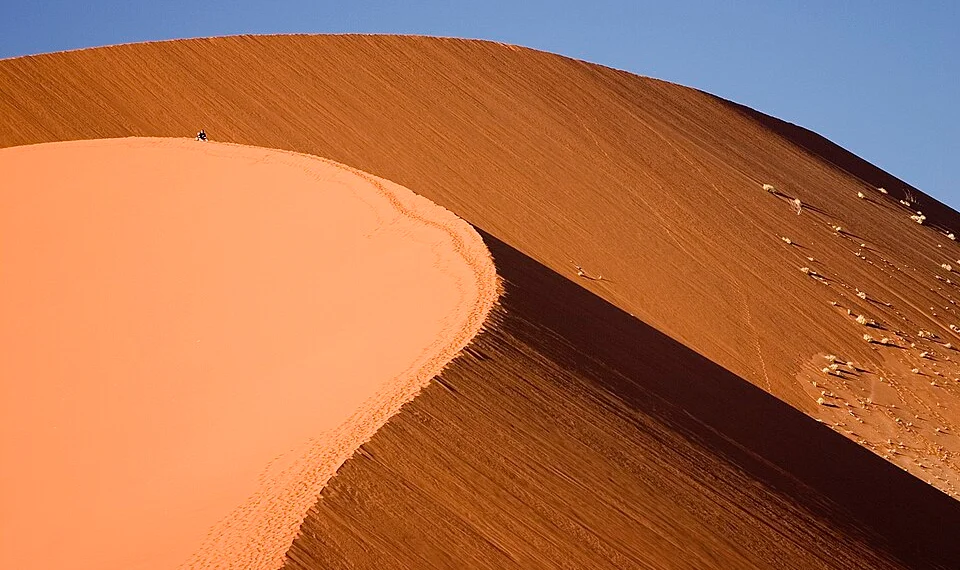 Sample film0:26Earth science
How sand dunes move
Follow a grain of sand from the windward slope to the slip face.
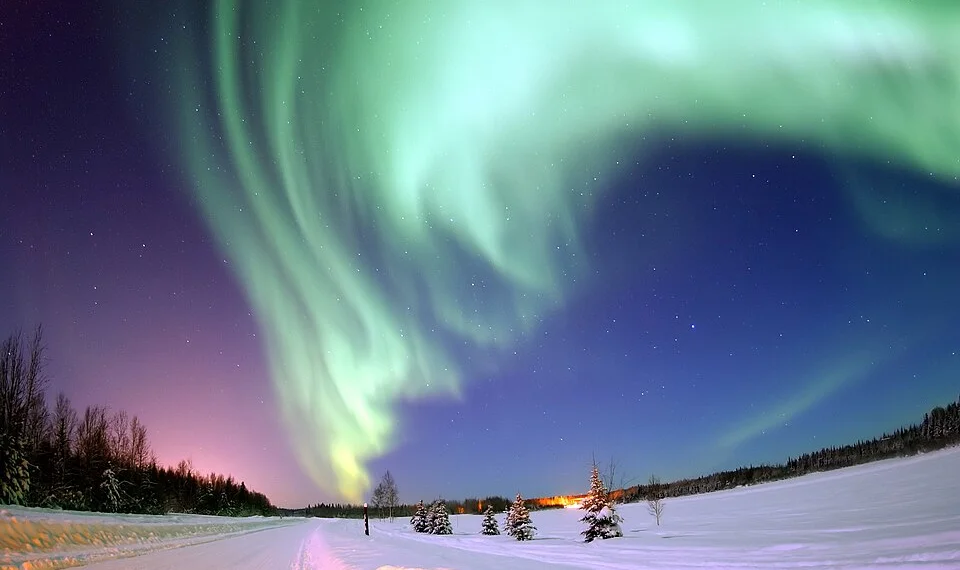 Sample film0:30Space science
Where auroras get their colors
Trace a ribbon of polar light back to collisions high in the atmosphere.
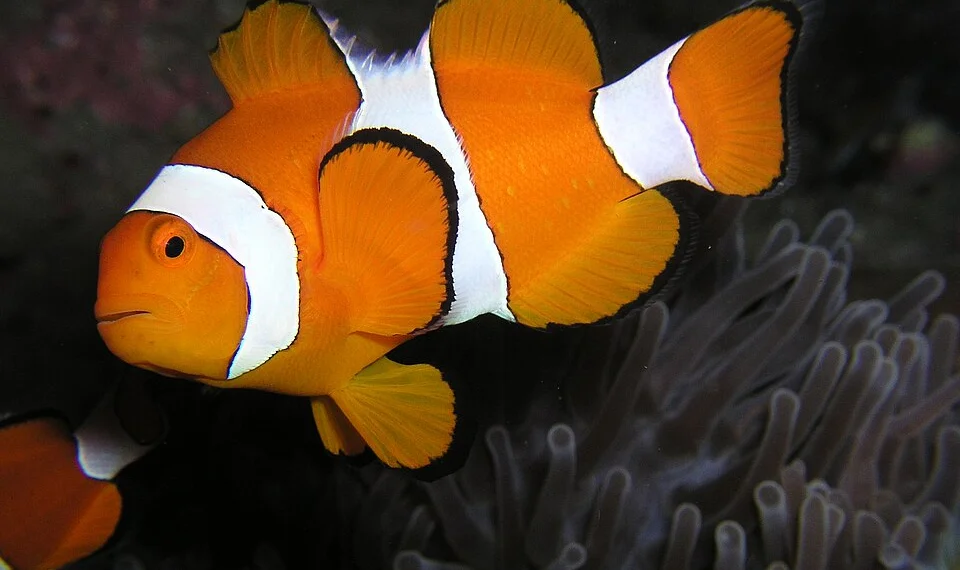 Sample film0:29Life science
A reef partnership
Meet the clownfish and sea anemone, two animals that help each other survive.
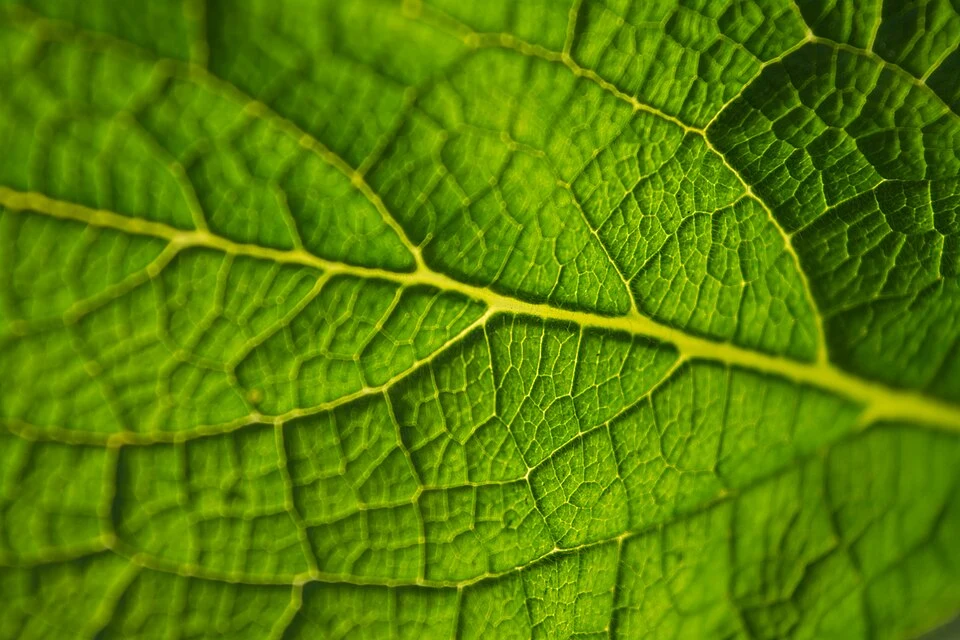 Sample film0:30Life science
How photosynthesis works
See how a leaf uses sunlight, water, and carbon dioxide to make sugar.
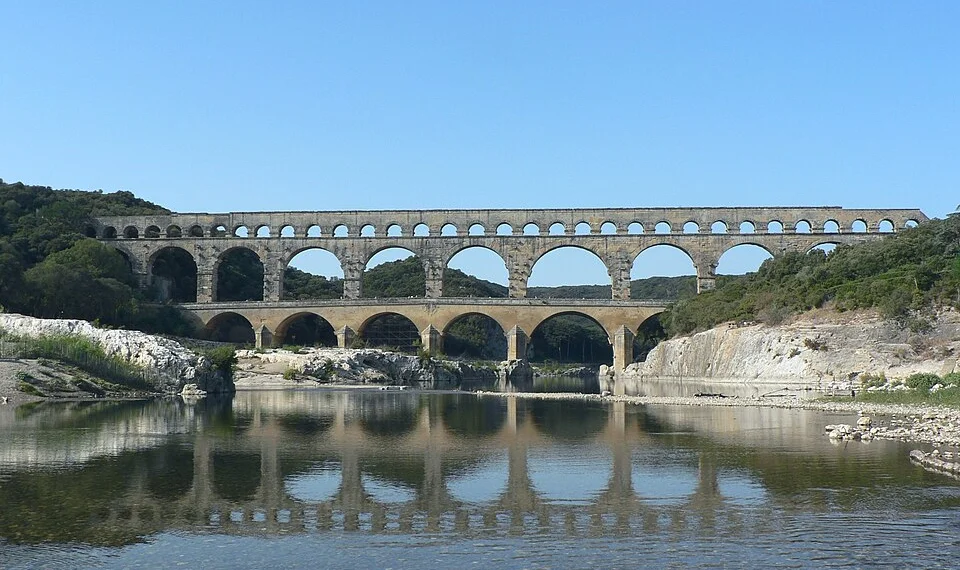 Sample film0:25Engineering
What holds up a stone arch?
Follow the weight of a stone bridge from its keystone to its supports.
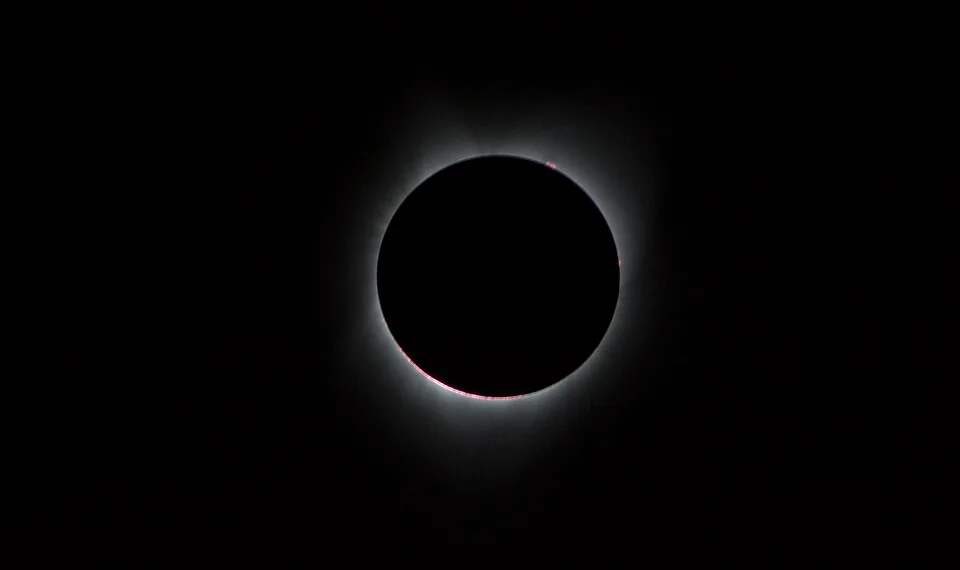 Sample film0:30Space science
Inside a solar eclipse
Follow the Moon’s shadow and discover why totality has such a narrow path.
Production workflow
How it works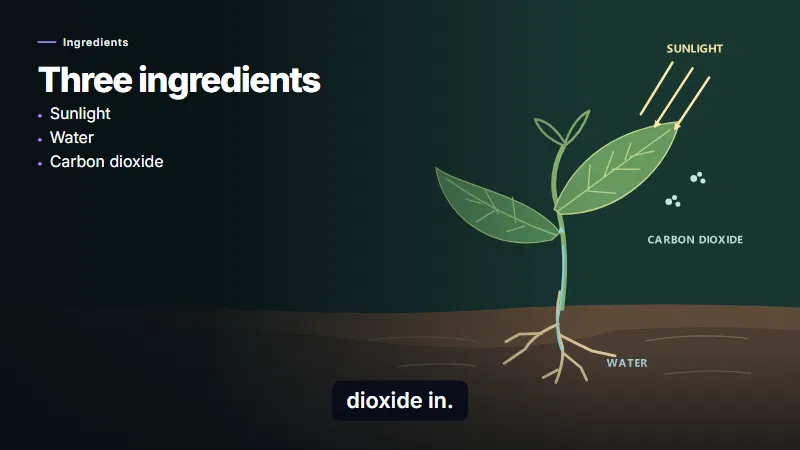
Three ingredients
“The roots take up water. Tiny pores in the leaf let carbon dioxide in. Sunlight supplies the energy.”
Studio FAQ
How long can a lesson be?
Lessons start at 20 seconds. Your plan sets the maximum length shown in the lesson brief. The editor estimates the running time as you write, and the export uses your recorded narration.
What can I change in the storyboard?
Edit the script and choose what learners see in each scene. Use the AI visual studio to preview available artwork, or bring your own images and MP4 clips. Record a voice-over or add background music, then save and approve the storyboard.
Who can open my videos?
Your project library is private. Anyone who receives a signed media link can watch the video until that link expires.
Who checks the facts?
You review the AI-drafted script before approving it. Check facts, examples, and pronunciation for the audience you’re teaching.